
Head to head · verified Sep 5, 2026
H100 vs H200: rent the memory you can name
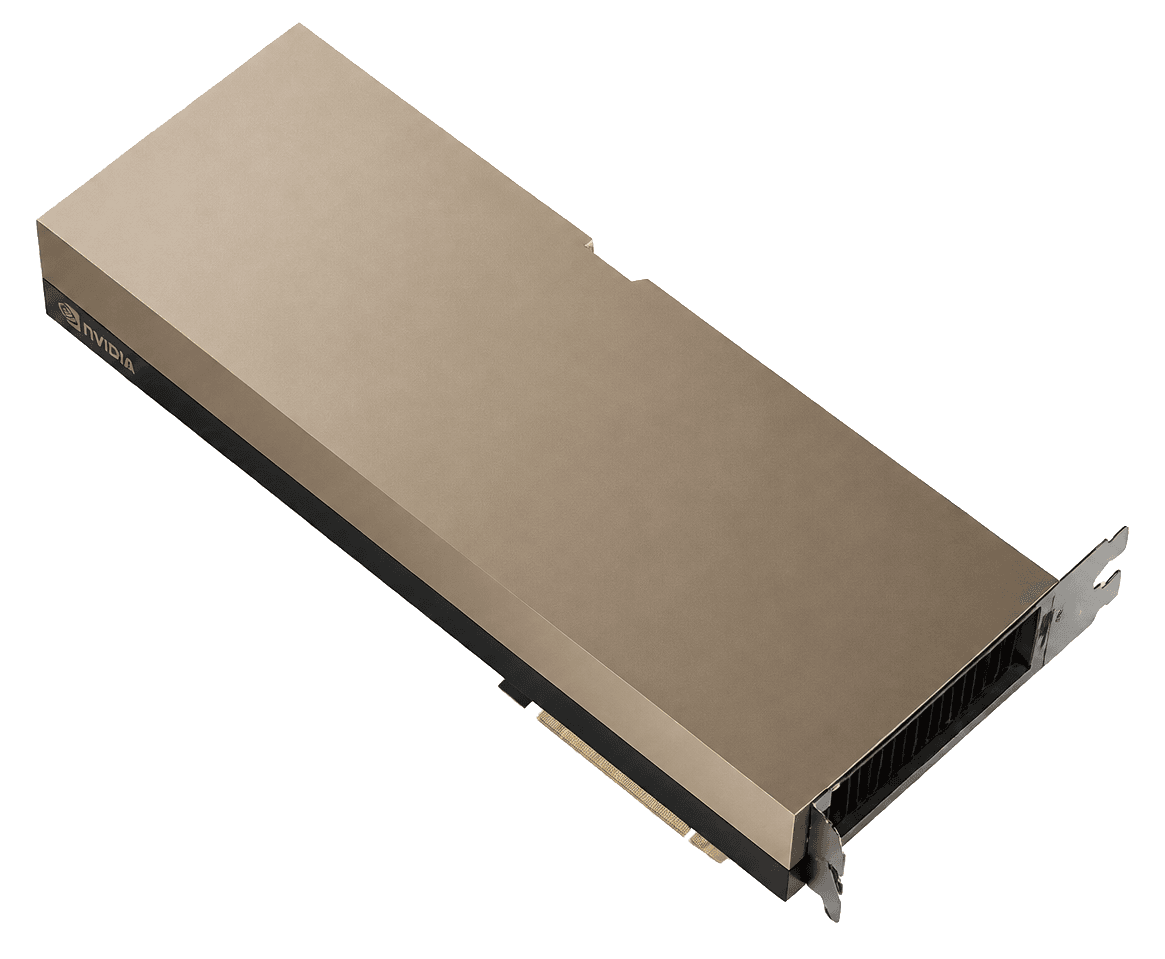
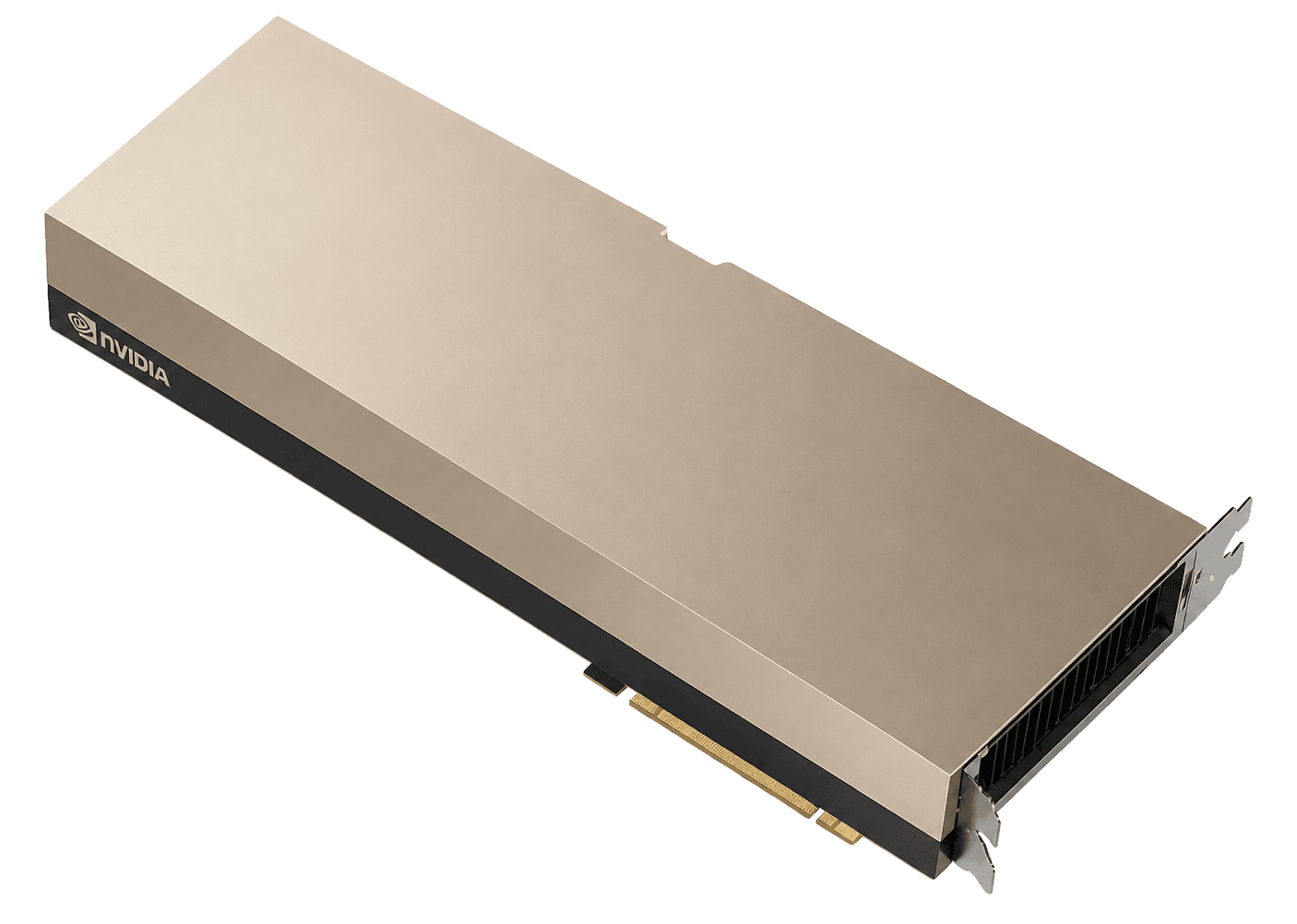
H200 is Hopper with a bigger tank. Same family, same NVLink generation, more HBM3e. I rent H100 when 80 GB holds the job. I rent H200 when I can point at the bytes that spill. If you cannot name the spill, the extra hour is a brochure.
H100$1.73
VRAM80 / 141 GB
H200$3.00
The resultDefault: H100
The result
Default: H100
Pick: H100
Start on H100. Upgrade to H200 only after a context window, KV cache, or optimizer state does not fit 80 GB. Two H100s vs one H200 is a real comparison. “H200 is newer” is not.
In brief
What to know before you pick
- Same Hopper generation. The upgrade is HBM3e and 141 GB, not a new architecture.
- Name the spill before you pay the H200 hour: KV cache, Adam states, or a 70B you refuse to quantize.
- Two in-stock H100s vs one waitlist H200 is not a memory comparison. It is a stock comparison.
Same fields
The comparison
Catalog facts first. The pick above is editorial. Confirm the live on-demand row before you provision.
| Field | H100 | H200 |
|---|---|---|
| VRAM | 80 GB | 141 GBWins this row |
| Memory | HBM3Tie | HBM3eTie |
| Bandwidth | 3,350 GB/s | 4,800 GB/sWins this row |
| Catalog from-price | $1.73Wins this row | $3.00 |
| Cheapest indexed on | Vast.ai | Koyeb |
| On-demand rows in sample | 15 | 10 |
| In-stock rows | 10 | 6 |
| Architecture | hopper | hopper |
Rent H100 if
The 70B fits. Fine-tunes, serving with a sane context, single-node training that actually uses NVLink. You want stock this week, not a memory souvenir.
Skip it if Context windows that blow the KV cache, multi-node jobs that need a reserved fabric, or anyone shopping a 4090 workload with Hopper money.
Rent H200 if
You can name what fell out of 80 GB: KV cache at long context, Adam states, a 70B that you refuse to quantize. Then the H200 hour can drop GPU count and win the bill.
Skip it if Batches that already fit H100, budgets that only work at Vast.ai floor H100, or anyone who needed NVLink 5 and FP4.
H100
- The SKU every catalog actually stocks. You can compare an hour, not a waitlist
- FP8 Transformer Engine is the reason this generation still trains at a sane $/step
- MIG exists when you want to split an 80 GB card instead of overpaying for a second one
H200
- 141 GB is the difference between one GPU and a sharded headache for many 70B stacks
- 4.8 TB/s HBM3e moves KV cache without pretending bandwidth is free
- Same Hopper software path as H100, fewer “new architecture” surprises
The only test is whether 80 GB holds
H200 is Hopper with a bigger tank. Same SM family, same NVLink generation, more HBM3e and more bandwidth. If the model, optimizer states and KV cache already sit inside 80 GB, you are renting headroom. Headroom is not a workload.
I watch nvidia-smi, not the brochure. If you are shrinking context to survive, or sharding a 70B only because of memory, the H200 hour can drop a GPU and win the bill. If you are compute-bound inside 80 GB, the extra dollars buy a prettier screenshot.
Two H100s vs one H200 is the real fork
People compare one H100 to one H200 because the URLs look like that. The job often is: do I buy a second Hopper, or do I buy memory. One H200 that actually fits can beat two H100s on interconnect tax, checkpointing, and the fact that two GPUs is a distributed job.
Do the multiplication on 720 hours. Include the second GPU, the fabric, and the engineering time. Then open both listings and check in-stock on-demand. A cheaper H200 that is waitlist is not cheaper.
SXM vs PCIe still matters more than the badge
H100 SXM and H100 PCIe are different products. H200 is the same trap with a bigger number. Confirm form factor, interconnect and TDP on the row you will paste a card into. Marketplace “H200” at an H100 price is often an 80 GB mislabel or a host you should not train on.
Filter on-demand. Read SXM vs PCIe. Then decide. The catalog sample on this page is the map, not the reservation.
The trap
How this comparison usually goes wrong
Paying H200 prices for an H100 job. Marketplace “H200” rows that are 80 GB mislabels. Mixing a waitlist H200 with an in-stock H100 and calling H200 cheaper.
What I would do
The move
Open both listings. Filter on-demand, in-stock. Confirm SXM vs PCIe. If the spill is real, rent H200. If it is not, keep the H100 and spend the delta on another GPU or a longer run.
Catalog listings
H100 and H200 in this catalog
On-demand hours first. Spot and waitlists are labeled. From-prices are catalog samples, not a reservation.
ProvidersRegionBilling typeInterconnect/GPU/hrOpen provider















ProvidersRegionBilling typeInterconnect/GPU/hrOpen provider
Full review
The two reviews
Same product, full page. Specs, listings, who it is for. Confirm the live hour there.
Full review
NVIDIA H100
The default datacenter hour. 80 GB of HBM3 is enough for most 70B work if you manage the KV cache. It is not a bargain because the FLOPs slide is pretty. It is a bargain when the job already fits.
Read the H100 reviewFull review
NVIDIA H200
Hopper with a bigger tank. Same SM family as H100, 141 GB of HBM3e at 4.8 TB/s. You rent it when memory is the bill, not because the badge says 200.
Read the H200 reviewFAQ
H100 vs H200 questions
Is H200 just an H100 with more VRAM?+
Mostly. Hopper compute, 141 GB HBM3e, higher bandwidth. Do not expect Blackwell TFLOPS. That is the point of the SKU.
Will H200 always beat H100 on Llama 70B?+
No. If you were already compute-bound inside 80 GB, you bought headroom. If you were shrinking context to survive, H200 can drop a GPU and win.
Which is cheaper per hour?+
H100, in this catalog sample. Cheap is not the test. Bytes that do not fit are the test. Confirm the live on-demand row before you provision.
When do two H100s beat one H200?+
When the job is compute-bound inside 80 GB, when you already have Hopper software, or when H200 is waitlist and H100 is in stock. Memory-bound 70B serving with a fat KV cache is the other way around.
H100 vs H200 for fine-tuning?+
LoRA that fits 80 GB: H100. Full fine-tune whose Adam states spill: H200, or more GPUs. Measure the envelope, not the generation year.
Keep comparing