
Head to head · verified Sep 5, 2026
RTX PRO 6000 vs RTX 5090: pay for bytes, not the badge
Same Blackwell generation, same GDDR7 bandwidth, a very different tank. RTX 5090 is the 32 GB GeForce you rent when the model fits. RTX PRO 6000 is 96 GB with ECC when it does not. I do not pay for the pro badge. I pay for the 64 GB of difference, or I do not pay.
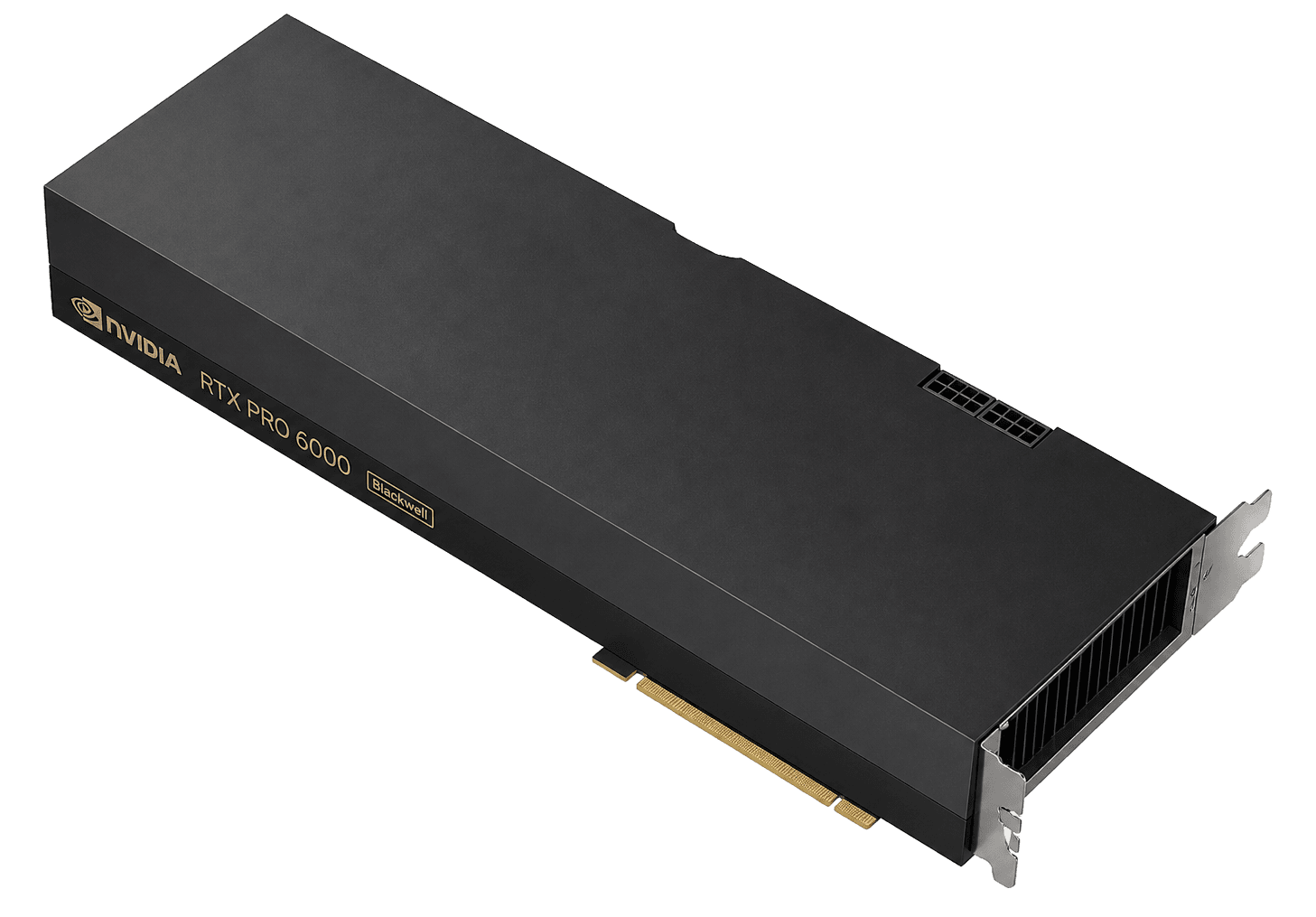
RTX PRO 6000$0.66
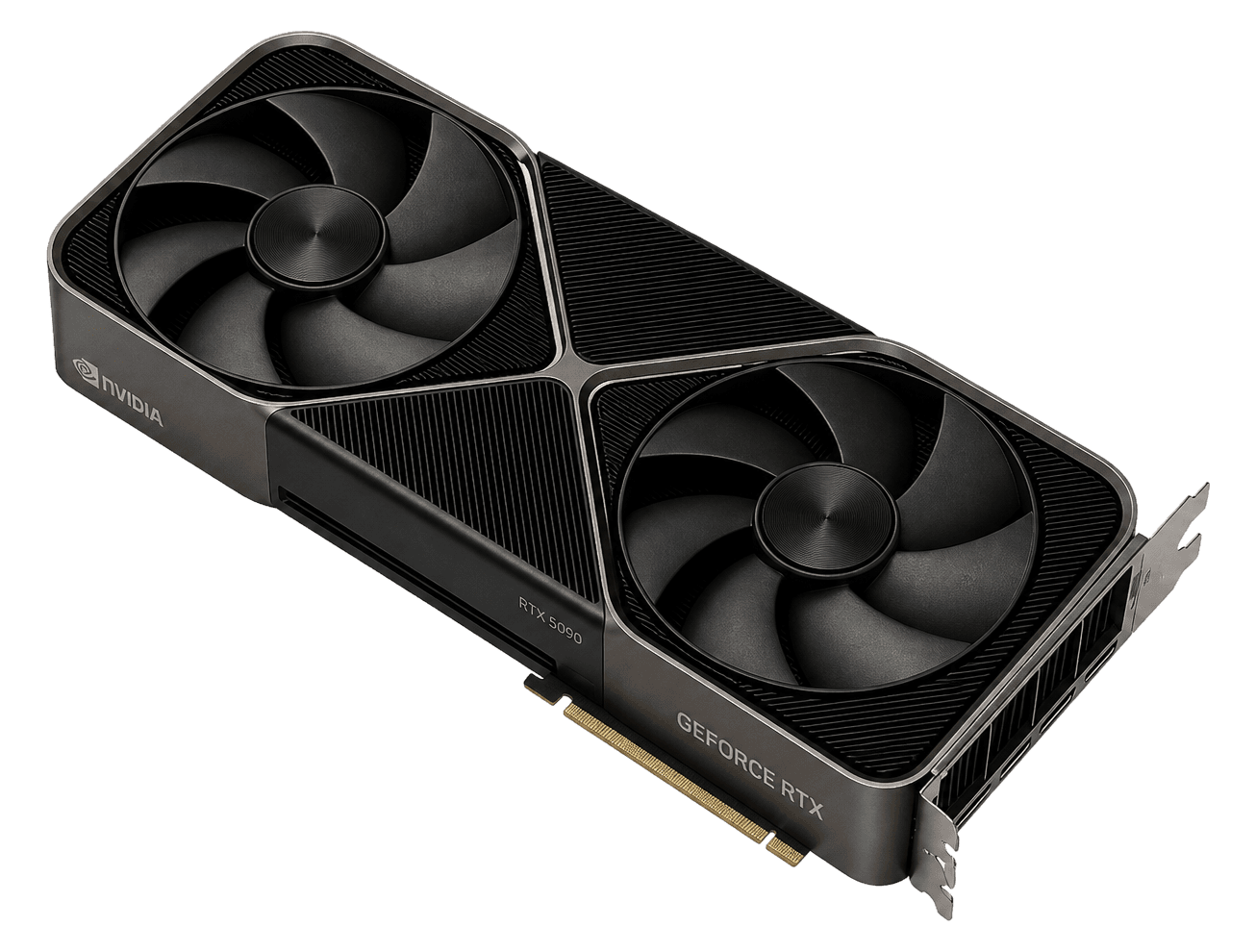
VRAM96 / 32 GB
RTX 5090$0.34
The resultDefault: RTX 5090
The result
Default: RTX 5090
Pick: RTX 5090
Rent RTX 5090 while the model, adapters and KV cache fit 32 GB. Move to RTX PRO 6000 the moment 32 GB is the wall and you still do not need HBM or NVLink. Neither card is a cluster GPU.
In brief
What to know before you pick
- Both are Blackwell with GDDR7 at the same 1,792 GB/s. The real difference is 96 GB vs 32 GB, plus ECC on the pro card.
- RTX 6000 Pro and RTX PRO 6000 are the same product. Max-Q is the 300 W variant, not a discount.
- Neither card has NVLink or HBM. If the job needs a fabric, you are on the H100 page.
Same fields
The comparison
Catalog facts first. The pick above is editorial. Confirm the live on-demand row before you provision.
| Field | RTX PRO 6000 | RTX 5090 |
|---|---|---|
| VRAM | 96 GBWins this row | 32 GB |
| Memory | GDDR7Tie | GDDR7Tie |
| Bandwidth | 1,792 GB/sTie | 1,792 GB/sTie |
| Catalog from-price | $0.66 | $0.34Wins this row |
| Cheapest indexed on | Packet.ai | Vast.ai |
| On-demand rows in sample | 5 | 4 |
| In-stock rows | 4 | 3 |
| Architecture | blackwell | consumer |
Rent RTX PRO 6000 if
96 GB is the requirement: 70B-class models at 4-bit on a single card, long context, fat LoRAs, diffusion pipelines that stack models, and a host that gives you ECC instead of a hobbyist chassis.
Skip it if Multi-GPU NVLink training. Jobs that are bandwidth-bound on HBM. Anyone who thought this was RTX 6000 Ada 48 GB.
Rent RTX 5090 if
32 GB holds the job: 7B to 32B inference, LoRA fine-tunes, image and video generation, rendering. You want the cheapest Blackwell hour and you can checkpoint on a marketplace host.
Skip it if ECC requirements, multi-week pretrains, anything that needs NVLink or 80 GB.
RTX PRO 6000
- 96 GB ECC is the rare workstation number that actually changes which models fit
- Blackwell FP4 on a PCIe board you can actually find
- MIG slices for sharing a card without a second hour
RTX 5090
- 32 GB GDDR7 at 1,792 GB/s is a lot of consumer card
- Blackwell features without datacenter rent
- Deep marketplace stock vs B200 theatre
The only upgrade is 64 GB
RTX PRO 6000 and RTX 5090 share the same memory bandwidth class. Same GDDR7 generation, same Blackwell family, roughly the same ceiling on tokens per second when both fit the model. That is why the comparison is not about speed. It is about whether 32 GB holds.
I watch nvidia-smi on the 5090 first. If weights, adapters and KV cache sit under 32 GB, the 96 GB card is headroom you are paying for by the hour. If you are quantizing harder or cutting context only to survive, the PRO 6000 hour usually wins the bill.
RTX 6000 Pro, PRO 6000, Max-Q: read the SKU
People search RTX 6000 Pro, RTX PRO 6000, RTX PRO 6000 Blackwell and RTX PRO 6000 Server Edition. They are the same silicon family with different cooling and power. Workstation Edition is actively cooled and up to 600 W. Max-Q is 300 W with lower clocks. Server Edition is passively cooled for rack nodes.
On a marketplace host, the listing line matters more than the badge. Confirm power, form factor and whether the row is on-demand. A Max-Q at a pretty hour is not the same machine as a 600 W board.
Neither card is a cluster GPU
No HBM. No NVLink on either board. Multi-GPU jobs go over PCIe, which is fine for inference sharding and a bad idea for AllReduce-heavy training. If your plan is eight GPUs and a shared optimizer state, open the H100 or H200 page.
Consumer cards also come with a host story. A 5090 on a marketplace is someone else’s machine. A PRO 6000 on a managed cloud is closer to a product. Price the risk, not only the dollar.
The trap
How this comparison usually goes wrong
Treating RTX 6000 Pro, RTX PRO 6000 Workstation, Max-Q and Server Edition as one hour. Paying for 96 GB and then running a 20 GB job. Expecting NVLink or HBM on either card.
What I would do
The move
Name the bytes first. If they fit 32 GB, rent the 5090 and keep the delta. If they do not, rent PRO 6000 and read the listing for Workstation vs Max-Q vs Server, TDP and on-demand vs quote.
Catalog listings
RTX PRO 6000 and RTX 5090 in this catalog
On-demand hours first. Spot and waitlists are labeled. From-prices are catalog samples, not a reservation.
ProvidersRegionBilling typeInterconnect/GPU/hrOpen provider





ProvidersRegionBilling typeInterconnect/GPU/hrOpen provider


Full review
The two reviews
Same product, full page. Specs, listings, who it is for. Confirm the live hour there.
Full review
NVIDIA RTX PRO 6000
96 GB of GDDR7 with ECC on Blackwell, the workstation that clouds now rent like a datacenter card. Not HBM. Not NVLink 900. Often the honest hour when 80 GB Hopper is overkill and 32 GB 5090 is a toy.
Read the RTX PRO 6000 reviewFull review
NVIDIA RTX 5090
32 GB of GDDR7 on Blackwell, 575 W, no ECC, no NVLink. The marketplace favorite when 24 GB died and you still refuse Hopper rent. Treat it as a fast workstation GPU in a rented PC, because that is what it is.
Read the RTX 5090 reviewFAQ
RTX PRO 6000 vs RTX 5090 questions
Is RTX 6000 Pro the same as RTX PRO 6000?+
Yes. NVIDIA’s name is RTX PRO 6000 Blackwell. RTX 6000 Pro is how people search it. It is not the older RTX 6000 Ada, which has 48 GB.
RTX PRO 6000 vs RTX 5090 for LLM inference?+
If the quantized model and KV cache fit 32 GB, rent the 5090. If you want a 70B-class model at 4-bit on one card, or long context, the 96 GB PRO 6000 is the one that holds it.
Is the PRO 6000 faster than the 5090?+
Slightly, on paper, with more cores and the same GDDR7 bandwidth. In practice the difference is capacity, not speed. Do not pay the premium for a benchmark you will not hit.
RTX PRO 6000 Max-Q vs Workstation Edition in the cloud?+
Max-Q is a 300 W card with lower clocks. Workstation Edition is up to 600 W. Both have 96 GB. Read the TDP on the listing before you compare their hours.
Keep comparing