
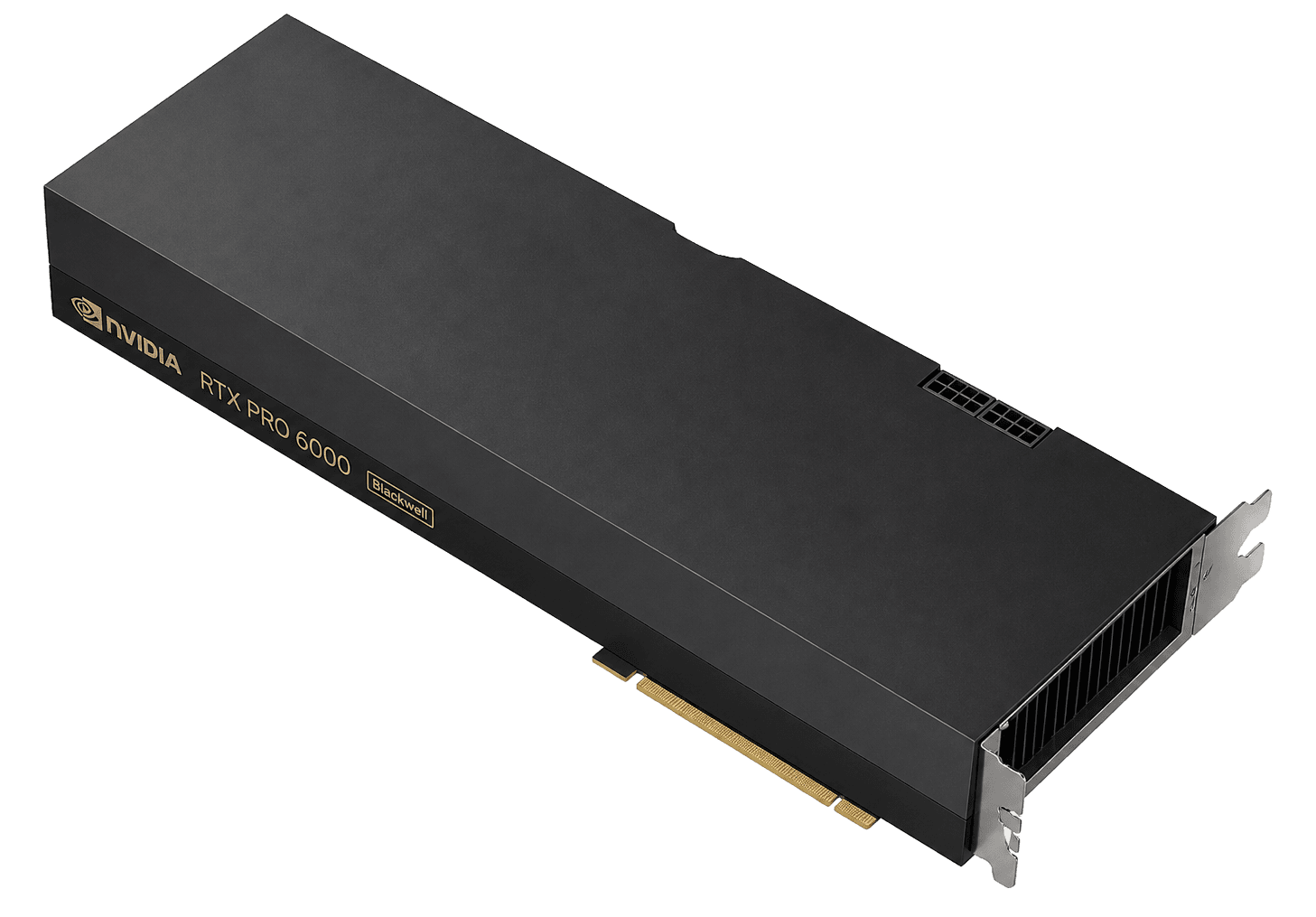
Head to head · verified Sep 5, 2026
RTX PRO 6000 vs H100: more bytes, less fabric
PRO 6000 has more VRAM and a lower hour. H100 has HBM3, NVLink and the software path every trainer assumes. I rent PRO 6000 for single-GPU inference and fat adapters. I rent H100 when memory bandwidth or the fabric is the job.
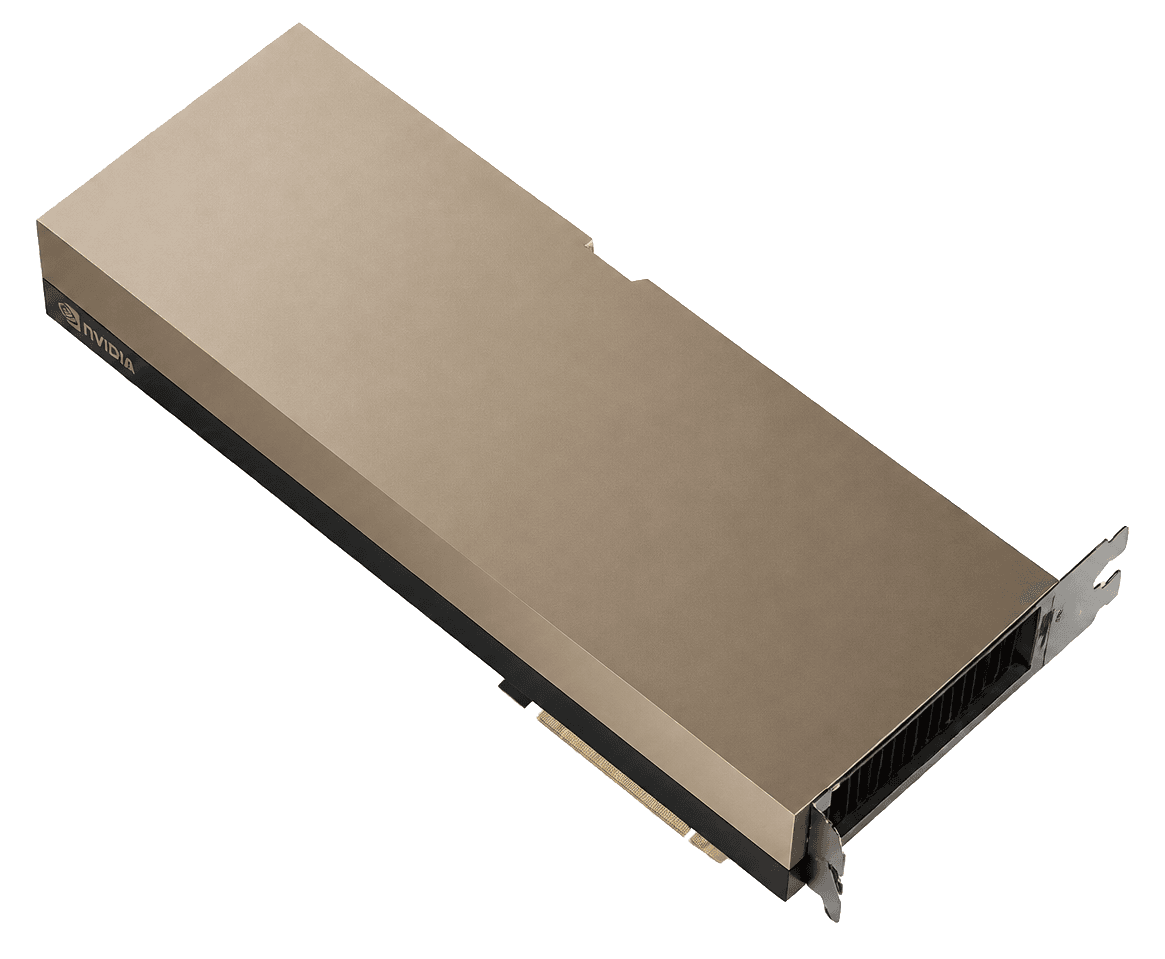
RTX PRO 6000$0.66
VRAM96 / 80 GB
H100$1.73
The resultSplit: bandwidth vs bytes
The result
Split: bandwidth vs bytes
Pick: it depends
Single GPU, memory-capacity-bound, no NVLink: PRO 6000 can win the bill. Training, multi-GPU or bandwidth-bound serving: H100. Do not launder a cluster job through a workstation board.
In brief
What to know before you pick
- PRO 6000: 96 GB GDDR7, ~1.8 TB/s, no NVLink. H100: 80 GB HBM3, ~3.35 TB/s, NVLink on SXM.
- Capacity-bound single GPU favors PRO 6000. Bandwidth-bound or multi-GPU favors H100.
- SXM, PCIe and NVL H100 are different products. Read the listing.
Same fields
The comparison
Catalog facts first. The pick above is editorial. Confirm the live on-demand row before you provision.
| Field | RTX PRO 6000 | H100 |
|---|---|---|
| VRAM | 96 GBWins this row | 80 GB |
| Memory | GDDR7Tie | HBM3Tie |
| Bandwidth | 1,792 GB/s | 3,350 GB/sWins this row |
| Catalog from-price | $0.66Wins this row | $1.73 |
| Cheapest indexed on | Packet.ai | Vast.ai |
| On-demand rows in sample | 5 | 15 |
| In-stock rows | 4 | 10 |
| Architecture | blackwell | hopper |
Rent RTX PRO 6000 if
96 GB on one card is the requirement, the job is inference or a LoRA-scale fine-tune, and you can live on PCIe. You want the lower hour and ECC.
Skip it if Multi-GPU NVLink training. Jobs that are bandwidth-bound on HBM. Anyone who thought this was RTX 6000 Ada 48 GB.
Rent H100 if
Training with NVLink, bandwidth-bound decode at scale, FP8 Transformer Engine paths, or a team that standardizes on Hopper images and multi-node tooling.
Skip it if Context windows that blow the KV cache, multi-node jobs that need a reserved fabric, or anyone shopping a 4090 workload with Hopper money.
RTX PRO 6000
- 96 GB ECC is the rare workstation number that actually changes which models fit
- Blackwell FP4 on a PCIe board you can actually find
- MIG slices for sharing a card without a second hour
H100
- The SKU every catalog actually stocks. You can compare an hour, not a waitlist
- FP8 Transformer Engine is the reason this generation still trains at a sane $/step
- MIG exists when you want to split an 80 GB card instead of overpaying for a second one
96 GB beats 80 GB only on one card
If the weights and KV cache fit 96 GB but not 80, PRO 6000 can replace two cards, or a pretend 8-bit compromise. That is a real win, and it usually lands at a lower hour.
If both fit, 96 GB is not the product. Bandwidth is.
HBM3 is almost twice the bandwidth
Decode is memory-bound. H100 SXM moves about 3.35 TB/s. PRO 6000 moves about 1.8 TB/s. At small batch you will feel that. At large batch with compute-bound kernels the gap narrows.
I benchmark my own model on both before I commit a month. Datasheets do not know your batch size.
NVLink and the training question
H100 SXM has NVLink. PRO 6000 does not. For multi-GPU training, that decides the comparison. For independent inference replicas, it does not.
Marketplace H100 PCIe sits in between: no fast NVLink on a single-card host. Confirm the form factor before you assume Hopper.
The trap
How this comparison usually goes wrong
Comparing 96 GB to 80 GB and ignoring that H100 memory bandwidth is almost twice as high. Running multi-GPU training on PCIe because the hour looked cheap.
What I would do
The move
Decide capacity vs bandwidth. If one card’s capacity is the problem, PRO 6000. If tokens per second at batch or multi-GPU scaling is the problem, H100. Then compare the on-demand hour.
Catalog listings
RTX PRO 6000 and H100 in this catalog
On-demand hours first. Spot and waitlists are labeled. From-prices are catalog samples, not a reservation.
ProvidersRegionBilling typeInterconnect/GPU/hrOpen provider





ProvidersRegionBilling typeInterconnect/GPU/hrOpen provider










Full review
The two reviews
Same product, full page. Specs, listings, who it is for. Confirm the live hour there.
Full review
NVIDIA RTX PRO 6000
96 GB of GDDR7 with ECC on Blackwell, the workstation that clouds now rent like a datacenter card. Not HBM. Not NVLink 900. Often the honest hour when 80 GB Hopper is overkill and 32 GB 5090 is a toy.
Read the RTX PRO 6000 reviewFull review
NVIDIA H100
The default datacenter hour. 80 GB of HBM3 is enough for most 70B work if you manage the KV cache. It is not a bargain because the FLOPs slide is pretty. It is a bargain when the job already fits.
Read the H100 reviewFAQ
RTX PRO 6000 vs H100 questions
Is RTX PRO 6000 a cheaper H100?+
No. It is a different product: more VRAM, lower bandwidth, no NVLink, a lower hour. It replaces an H100 only for single-GPU, capacity-bound jobs.
RTX PRO 6000 vs H100 for LLM inference?+
PRO 6000 if capacity is the wall and latency per token is acceptable. H100 if you need the bandwidth or you scale across GPUs.
Can RTX PRO 6000 train as well as H100?+
For small fine-tunes, yes. For multi-GPU pretraining or anything that depends on NVLink and FP8 Transformer Engine, H100 is the reference.
Which has better price per GB of VRAM?+
PRO 6000 in most catalog rows. Price per GB is not the test, though. Bandwidth and fabric are.
Keep comparing